Table of Contents (9 Sections)
- How to Use PDF to JPG / PNG / WebP Step by Step
- Quick Reference Standards
- Common Mistakes to Avoid
- Frequently Asked Questions
- Is the PDF to JPG / PNG / WebP tool free to use?
- Does PDF to JPG / PNG / WebP upload my files or data to any server?
- Can I use PDF to JPG / PNG / WebP on a mobile phone?
- What else is included inside the PDF & Document Studio?
- More Tools Inside PDF & Document Studio
Looking for a fast, clean, and reliable PDF to JPG / PNG / WebP without sign-ups, daily limits, or watermarks? This built-in tool inside our PDF & Document Studio helps you handle your task directly inside your mobile or desktop browser. Specifically, it is built to render PDF pages at up to 2.5x HD DPI + ZIP.
All PDF processing happens locally in your browser memory with zero cloud uploads, keeping Aadhaar copies, mark sheets, resumes, and signed contracts completely private. Whether you are working on an exam form, office report, study assignment, or daily calculation, you get instant output in seconds with simple controls.
How to Use PDF to JPG / PNG / WebP Step by Step
- Open PDF to JPG / PNG / WebP directly at /pdf-converter-studio?tool=pdf-img on Chrome, Edge, or Safari.
- Paste your text/code or choose the local files you want to process from your device.
- Pick your preferred option or mode and run the tool — processing happens instantly in browser memory.
- Verify the clean output box and use the 1-click Copy or Download button to save results.
Quick Reference Standards
| Standard / Topic | Key Rule / Value |
|---|---|
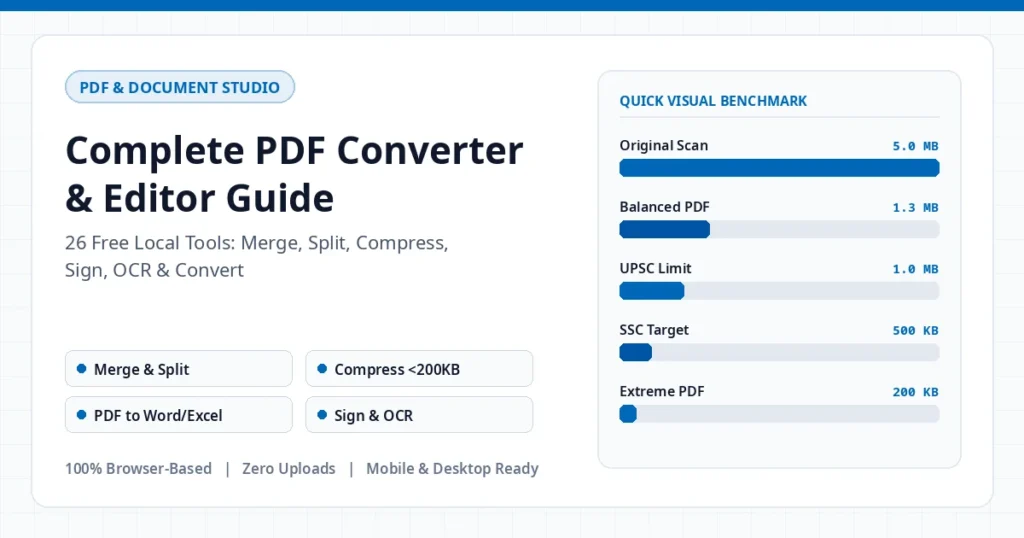
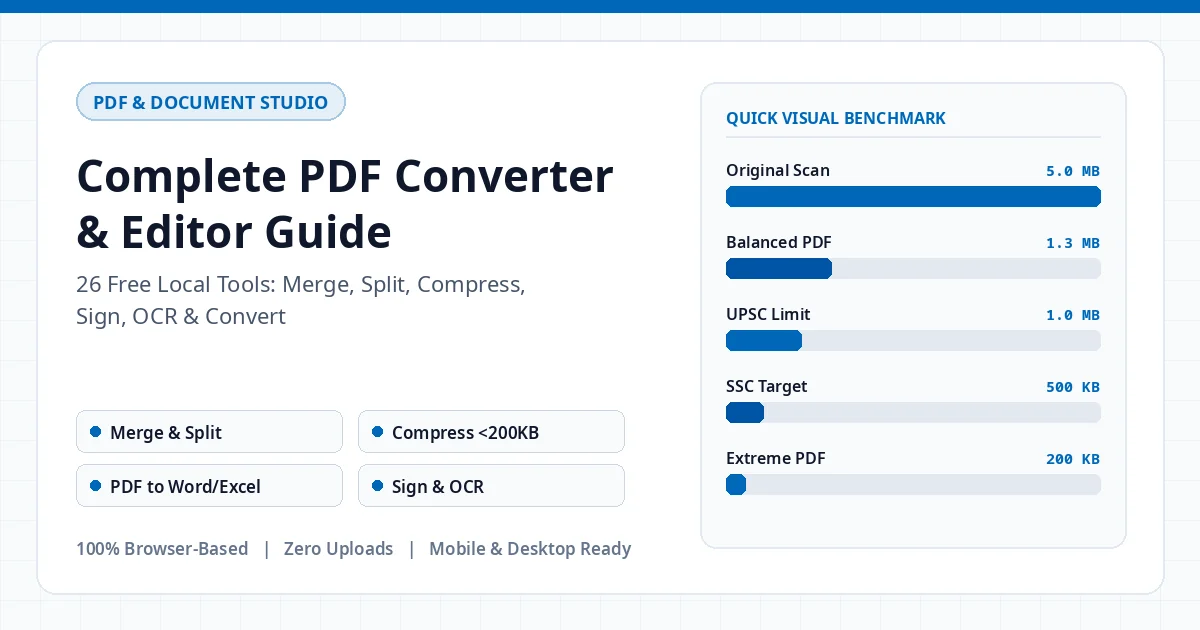
| UPSC / State PSC PDF | 300 KB - 1 MB |
| SSC / IBPS / Railway PDF | 100 KB - 500 KB |
| Job Portal Resume PDF | Under 500 KB |
| KYC / Bank Docs | Under 2 MB |
Common Mistakes to Avoid
- Uploading private work or personal files to unknown cloud websites instead of using a local browser tool like PDF to JPG / PNG / WebP.
- Overwriting your original master file without keeping a quick backup copy.
- Skipping a quick verification check on the processed output before sharing or submitting it.
Frequently Asked Questions
Is the PDF to JPG / PNG / WebP tool free to use?
Yes. PDF to JPG / PNG / WebP is 100% free with no account registration, no daily usage limit, and no hidden watermarks.
Does PDF to JPG / PNG / WebP upload my files or data to any server?
No. Like every utility inside the PDF & Document Studio, it runs locally inside your web browser so your private data stays on your device.
Can I use PDF to JPG / PNG / WebP on a mobile phone?
Yes. The layout is mobile-first and works smoothly on Android Chrome, iPhone Safari, and desktop browsers without installing any app.
What else is included inside the PDF & Document Studio?
This hub includes 26 connected tools in one place, including Split PDF, Organize PDF (Reorder/Del), Sign PDF (Draw / Type / Stamp) and more.
More Tools Inside PDF & Document Studio
- PDF & Document Studio (All Tools)
- Split PDF
- Organize PDF (Reorder/Del)
- Sign PDF (Draw / Type / Stamp)
- Edit PDF (Add Text & Shapes)
User Ratings & Feedback
Verified ratings for PDF to JPG / PNG / WebP – Free Online Tool & Simple Guide
"Extremely fast and clean utility. Saved me a lot of time without any clutter."
Frequently Asked Questions
Quick answers about PDF to JPG / PNG / WebP – Free Online Tool & Simple Guide
About PDF to JPG / PNG / WebP – Free Online Tool & Simple Guide
Built for speed and clarity, PDF to JPG / PNG / WebP – Free Online Tool & Simple Guide removes manual guesswork from pdf & document guides tasks and presents clean, copy-ready results immediately. Every calculation runs locally in your browser, ensuring zero lag even on slow connections and keeping sensitive inputs off external servers.
- Instant client-side execution for PDF to JPG / PNG / WebP – Free Online Tool & Simple Guide with zero page reloads.
- Organized under Pdf & Document Guides for fast navigation and structured internal linking.
- Mobile-friendly layout with clean typography and copy-ready outputs.
- Pro Tip: Bookmark this page if you run PDF to JPG / PNG / WebP – Free Online Tool & Simple Guide checks regularly so you can access it in one tap.
No. All inputs stay inside your browser session and are not uploaded or stored on external servers.
Yes, the layout adapts automatically to smartphones, tablets, and desktop browsers for smooth pdf & document guides workflows.
PDF to JPG / PNG / WebP – Free Online Tool & Simple Guide processes your entered values directly inside your browser using lightweight logic and displays verified results immediately.
Related Pdf & Document Guides Tools
Browse All Tools →Convert and validate developer data formats 100% locally in your browser. Includes 18 compact card tools: JSON, CSV, TSV, XML, YAML, TOML, SQL, TypeScript Interfaces, PHP Arrays, .env/INI, URL Query Strings, URL & HTML Entities, Base64/Base32/Hex/Binary, JWT Token Decoder, Cron to Human Schedule, and Line-by-Line Code Diff with instant next-step actions and exact line-error pointers.
IMAGE & MEDIA UTILITIESAll-in-one browser-local image converter and exam-form photo studio. Convert PNG, JPG, WebP, BMP, ICO, SVG, PDF, Base64, compress images to exact target KB (20KB/50KB/100KB for SSC, UPSC, PAN, Passport), crop, rotate, filter, watermark, strip EXIF metadata, preview with Before/After split slider, and batch download as a single ZIP with zero server uploads.
AUDIO & VIDEO UTILITIESProcess audio and extract HD video frames 100% locally in your browser privately with no uploads. Includes 10 compact card tools: MP3/OGG/M4A to 16-bit PCM WAV, Sample Rate & Mono/Stereo Converter, Visual Waveform Audio Trimmer, Volume Normalizer & Booster, Speed/Pitch Shifter & Reverse, Silence Trimmer & Fade-In/Out, Browser Voice Recorder to WAV, HD Video Frame/Thumbnail Extractor, Video Contact Sheet Storyboard Builder, and Media Info Inspector.
LEGAL & OFFICE10 free online generators for GST invoices, privacy policies, terms, disclaimers, rent receipts, leave applications, and formal office letters.
PDF & DOCUMENT UTILITIESFull-featured fast, private PDF converter and editor studio privately with no uploads. Merge PDF, Split PDF, Compress PDF, PDF to Word (.docx), PDF to Excel (.xlsx), PDF to PowerPoint (.pptx), PDF to JPG/PNG, PDF to Markdown/Text, Word/Excel/PPT to PDF, JPG to PDF, Scan to PDF, HTML to PDF, Sign PDF, Edit PDF, Redact PDF, PDF Forms Filler, Unlock PDF, Organize Pages, OCR PDF, Compare PDF, Repair PDF, Watermark, Page Numbers, Rotate, Crop & Metadata Cleaner.
EDUCATION & STUDY10 free student tools including typing speed test, Pomodoro study timer, exam marks percentage/CGPA, attendance tracker, flashcards, and study planner.
Trending Online Tools
10 free student tools including typing speed test, Pomodoro study timer, exam marks percentage/CGPA, attendance tracker, flashcards, and study planner.
TRENDINGConvert Markdown, HTML, Plain Text, Multi-Page PDF, HTML Tables, RSS XML, SRT, WebVTT, YouTube SBV subtitles, Contact vCard (.vcf), and Calendar (.ics) files 100% locally in your browser. Includes live rendered preview, Subtitle Time-Shifter (+/- ms), Case & Slug cleaner, instant next-step actions, and zero server uploads.
TRENDINGConvert 200+ units across 20 compact card-based converters directly in your browser. Includes Length, Weight, Temperature, Area with Indian Land Units (Bigha, Biswa, Katha, Gaj, Acre, Hectare), Volume, Speed, Time, Pressure, Energy, Power, Force, Torque, Angle, Fuel Mileage, Frequency, Digital Storage, Data Speed, Electrical (V/A/Ohm/kVA/kW/PF), Density, and Illumination with All-at-Once Live Matrix and step-by-step formulas.
TRENDINGAll-in-one fast, private finance, number system, Indian utility, and time converter hub. Includes 14 compact cards: Number to Words (Indian Lakhs/Crores & International), GST Inclusive/Exclusive, Salary CTC/Monthly/Hourly, CGPA to Percentage (CBSE/AICTE/US 4.0), Gold Weight (Tola/Gram/Carat), EMI & Loan Split, SIP/Lumpsum Compound Growth, Binary/Octal/Hex/IEEE-754 Float, Roman Numerals, Fraction/Decimal/Percent, Aspect Ratio & DPI/PPI, Margin/Markup/Discount, World Timezone (IST/UTC/Global), and Unix Epoch to ISO 8601.
TRENDINGConvert Microsoft Word (.docx), Excel (.xlsx), and PowerPoint (.pptx) files 100% locally in your browser with zero APIs and zero server uploads. Includes 14 compact cards: DOCX to PDF/HTML/Markdown/Text, Text/Markdown/HTML to DOCX, Merge DOCX, DOCX Media Extractor, XLSX to CSV/JSON/SQL/HTML/PDF/DOCX, CSV/JSON to XLSX, XLSX Multi-Sheet Merger/Splitter, PPTX to PDF/Word/Markdown/HTML, Outline to PPTX Deck Builder, and PPTX Media Extractor.
TRENDINGProcess audio and extract HD video frames 100% locally in your browser privately with no uploads. Includes 10 compact card tools: MP3/OGG/M4A to 16-bit PCM WAV, Sample Rate & Mono/Stereo Converter, Visual Waveform Audio Trimmer, Volume Normalizer & Booster, Speed/Pitch Shifter & Reverse, Silence Trimmer & Fade-In/Out, Browser Voice Recorder to WAV, HD Video Frame/Thumbnail Extractor, Video Contact Sheet Storyboard Builder, and Media Info Inspector.
Latest Guides & Articles
Browse All Posts →Looking for a fast, clean, and reliable PDF to Word (.docx) without sign-ups, daily limits, or watermarks? This...
Nov 27, 2026This Class 3 Computer Internal Exam Question Paper (2026 / 2083) is a 20-mark, 2-hour practice paper for...
Nov 26, 2026Use our free JPG / PNG to PDF online directly in your browser. Pack 1 or batch photos...
Nov 26, 2026Use our free PowerPoint (.pptx) to PDF online directly in your browser. Export .pptx slides, images & speaker...